Nano Banana 2 poster prompts: three layouts you can copy
A good poster prompt says what the viewer should notice first. Give the model one clear subject, a place for the title, and only the words you actually need.
The short version
Write your prompt like a small brief: format, subject, style, text and layout. Ask for the exact words in quotation marks. Then check every word in the finished image before you use it.
Build the brief before you write the prompt
A poster has to work at a glance. So pick one main image and one main message before you type anything.
Decide where the title goes. Leave room for the details. If every corner has a headline, a date and a decorative flourish, the poster becomes hard to read at any size.
Five lines are enough for a solid brief:
- Format: a tall print poster, or a square for social.
- Subject: one thing the eye lands on first.
- Style: colours, texture, illustration or photo.
- Layout: where the title sits and where the details go.
- Copy: the exact words, kept short.
Google’s image generation guide shows Nano Banana 2 producing layouts that include text, which makes it handy for trying a poster idea quickly. It does not remove the need to check the spelling or finish the layout yourself.
Three poster prompts to copy and edit
These are prompt templates written for this guide, not claims about tested output. Swap the made-up names, dates and places before you generate.
A gig poster with one strong image
Use this when the mood matters as much as the details.
Create a vertical concert poster for a fictional indie band. One singer stands beneath a single warm spotlight on a dark stage. Deep navy background, soft amber light, subtle paper texture. Leave a calm open area at the top for the title and a clean strip at the bottom for details. Place only this exact text: "NIGHT TIDE" at the top, then "FRIDAY 18 SEPTEMBER" and "THE GLASS ROOM" in the bottom strip. Strong contrast, clear reading order, no extra words, no logos.
If the small lines come back wrong, generate the artwork with no text and add the confirmed date and venue in your design tool.
A warm poster for a community event
Keep the scene inviting and still give the practical details room.
Design a vertical poster for a fictional weekend makers market. Show one close-up table with handmade ceramics, cut flowers and fresh bread in morning light. Warm cream, terracotta and olive colours. Put the main title on a plain cream block at the top, away from the objects. Put the event details on a simple block at the bottom. Use only these exact words: "MAKERS MARKET", "SATURDAY 10 OCTOBER", "RIVER HALL". Natural texture, generous margins, no other writing or brand marks.
The plain blocks are the important part. They keep the date away from the busy tabletop.
A poster with no generated text at all
Use this when the wording must be exact, or might change later.
Create a vertical editorial travel poster illustration of a quiet coastal town at sunrise. A winding path leads from the foreground to white buildings beside the sea. Limited palette of chalk white, faded blue and coral. Bold simple shapes, gentle print grain, no photorealism. Leave a large empty sky area above the buildings for a title I will add later. Leave a quiet margin at the bottom for a date or website. No text, no symbols that look like letters, no logos.
This is the safest of the three. You get a clean picture and set the type yourself.
Change one thing at a time
If the first result is close, resist the urge to rewrite the whole prompt. Change one part.
- Ask for more empty space at the top.
- Ask for a quieter background.
- Ask for a larger title area.
- Ask for fewer objects in the scene.
Keep the subject and the colours fixed while you adjust the layout. Change everything at once and you cannot tell which edit helped.
For a worked example of a title built into an object, see our breakdown of a title inside a picture. For a poster that needs two languages, the festival layout guide covers what to decide first.
Check every word before the poster goes out
Google describes improved text rendering for Nano Banana 2. That is a capability, not a guarantee that every poster comes back correct. Letters are drawn, not typed.
So check the final file at full size and at phone size:
- Is the title spelled exactly right?
- Are the date, time and venue correct?
- Is every word readable against its background?
- Are there any extra words or stray marks?
- Does anything look like a logo you do not own?
- Does it still read at thumbnail size?
For tickets, prices, QR codes and legal copy, add approved text yourself after generating the image. That keeps the important information editable, and it keeps the mistakes out of print.
Sources and scope
Google’s Nano Banana 2 announcement describes text rendering and image editing. Its image generation guide includes a magazine-cover prompt and broader prompting advice.
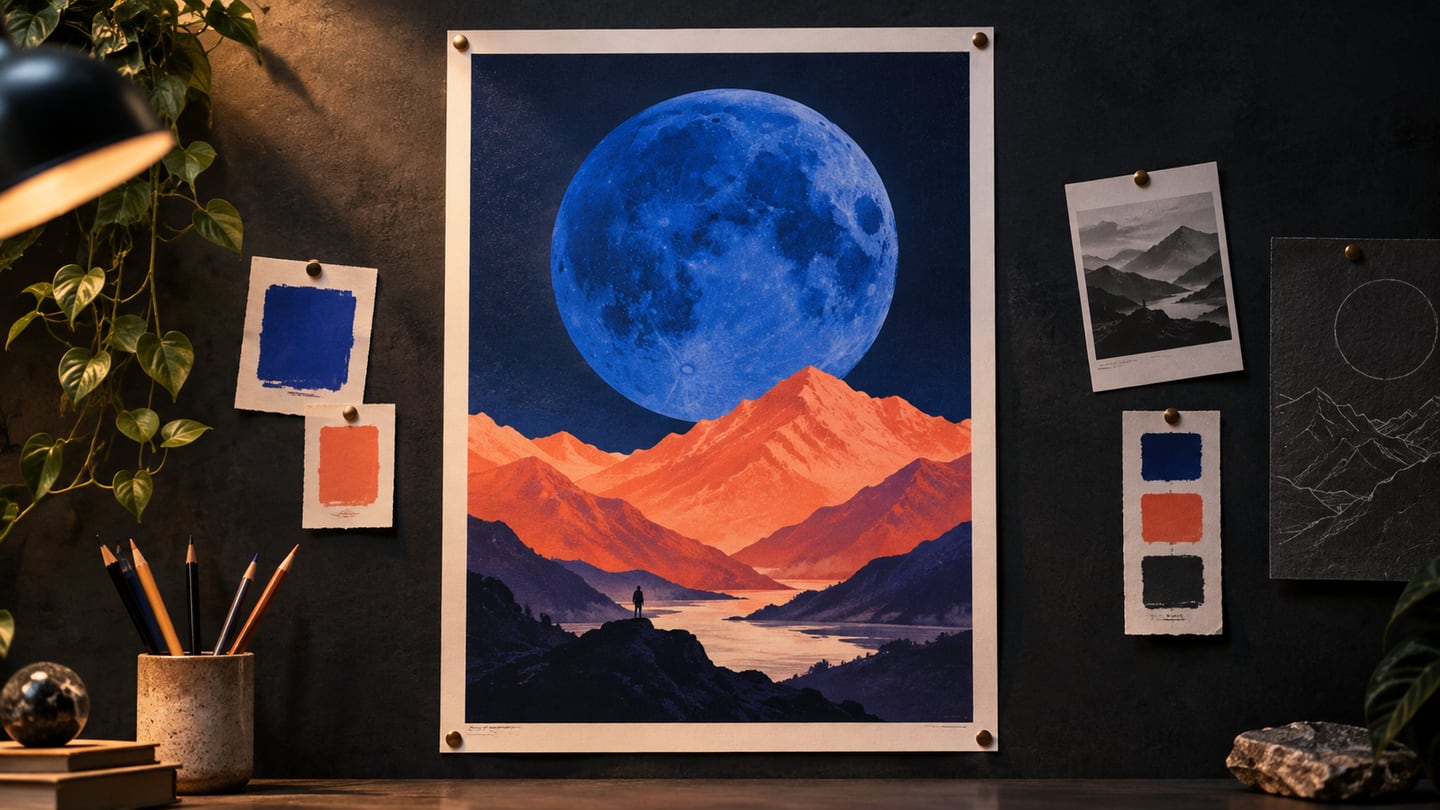
The three prompts on this page were written for DaFreeAi. We have not presented them as measured tests or as model output, and the picture at the top is our own illustration.
Questions people ask
Will Nano Banana 2 spell my title correctly?
Often, but not always, and long or unusual words are the least reliable. Put the exact words in quotation marks, keep them short, and check every character before you publish.
What size should I generate a poster at?
Generate tall for print and social stories, since a tall image crops down more easily than a wide one stretches up. Check the title still reads after each crop.
Can I use one prompt for both print and Instagram?
Use the same subject and style lines, but change the format and layout lines. A poster built for A3 rarely works untouched as a square.
Should I add the date in the prompt or afterwards?
Afterwards, whenever the date matters. Generated small text is where errors hide, and a wrong date on a printed poster is expensive.
Where to read more
Outside sources
- Google: image generation guidePrompting advice and examples, including layouts with text.
- Google: Nano Banana 2 announcementWhat the model is described as doing.
- W3C: minimum contrastCheck your poster text against its background.
More from DaFreeAi
- How to put a title inside a pictureUsing a shape in the artwork as the title frame.
- How to design a poster in two languagesWhat to settle before you start designing.
- Adding text to a busy imageFor when the artwork leaves no room for a headline.
- Nano Banana 2The model page, with examples.
Try your poster brief
Open Nano Banana 2, paste one prompt and replace the made-up details with your own.
Try Nano Banana 2Updated 12 September 2026.