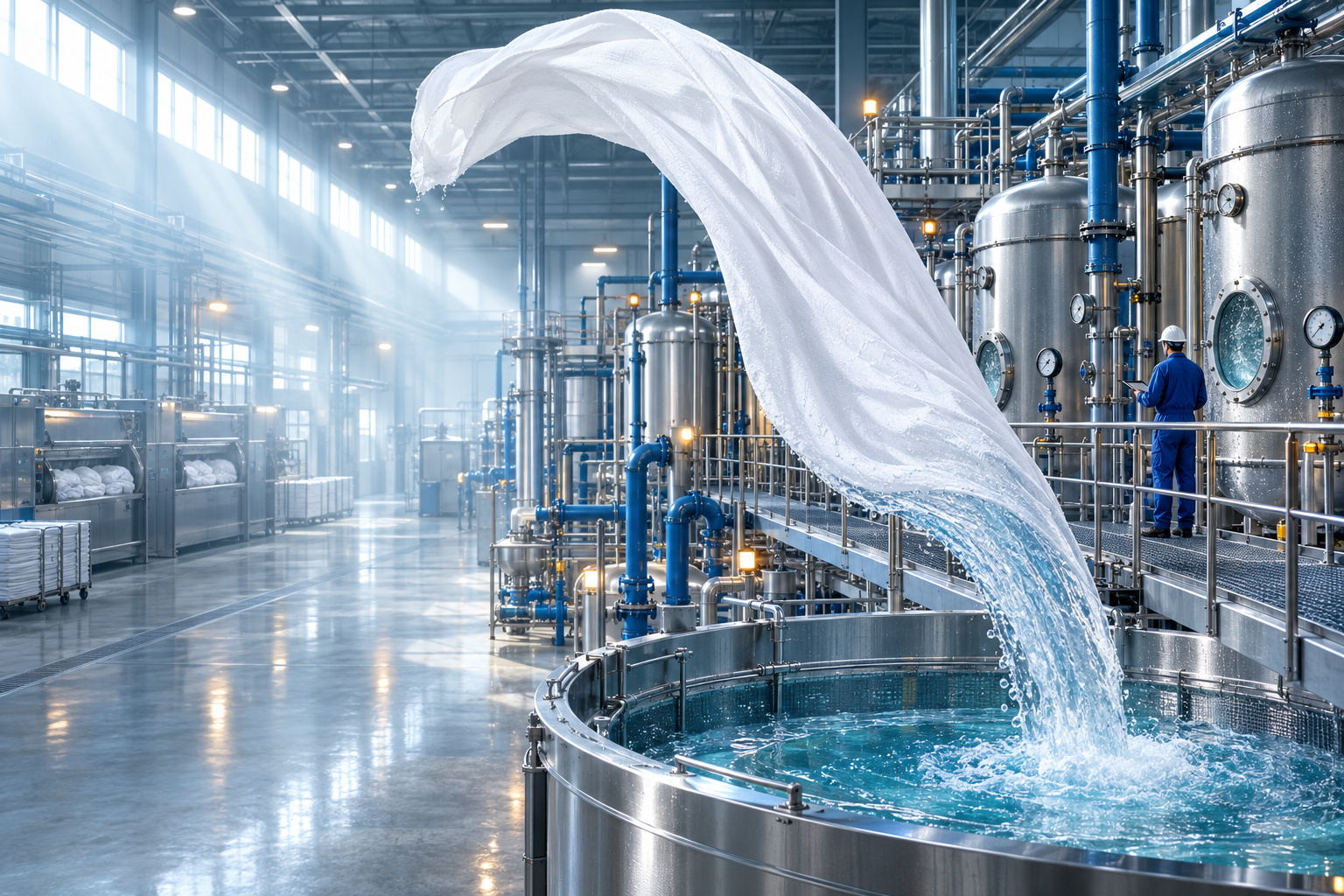
Meet the two models
Flare is OpenAI's fastest model for high-quality everyday image generation.
OpenAI says it delivers higher-quality images than GPT-Image-2 with 50% lower latency, making it the default choice for most API applications. It is aimed at use cases such as social content, product experiences, rapid prototyping and high-volume image generation.
Sunburst is OpenAI's most capable model for image generation and editing.
It is designed for work where editing precision matters most, including polished product imagery and campaign creative. Sunburst takes longer to generate than Flare but gives more control for detailed creative work.
Better reference-image fidelity
GPT Images 2.5 is better at working from reference photos while keeping subjects recognizable.
OpenAI says lighting and textures look more natural and distinctive details from the source image are more likely to carry over when changing the setting, style or composition.
This makes reference-based workflows more reliable when creating variations from an existing person, product or visual.

More precise image editing
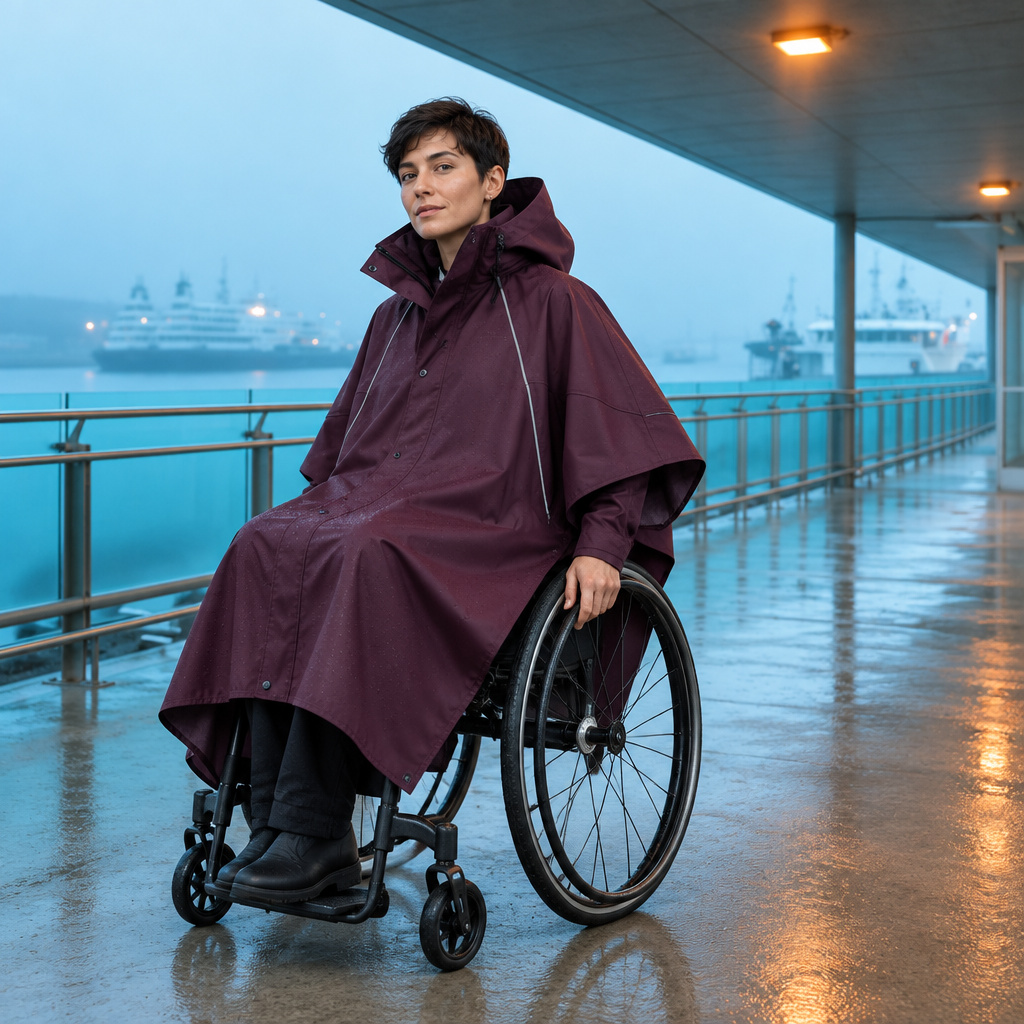
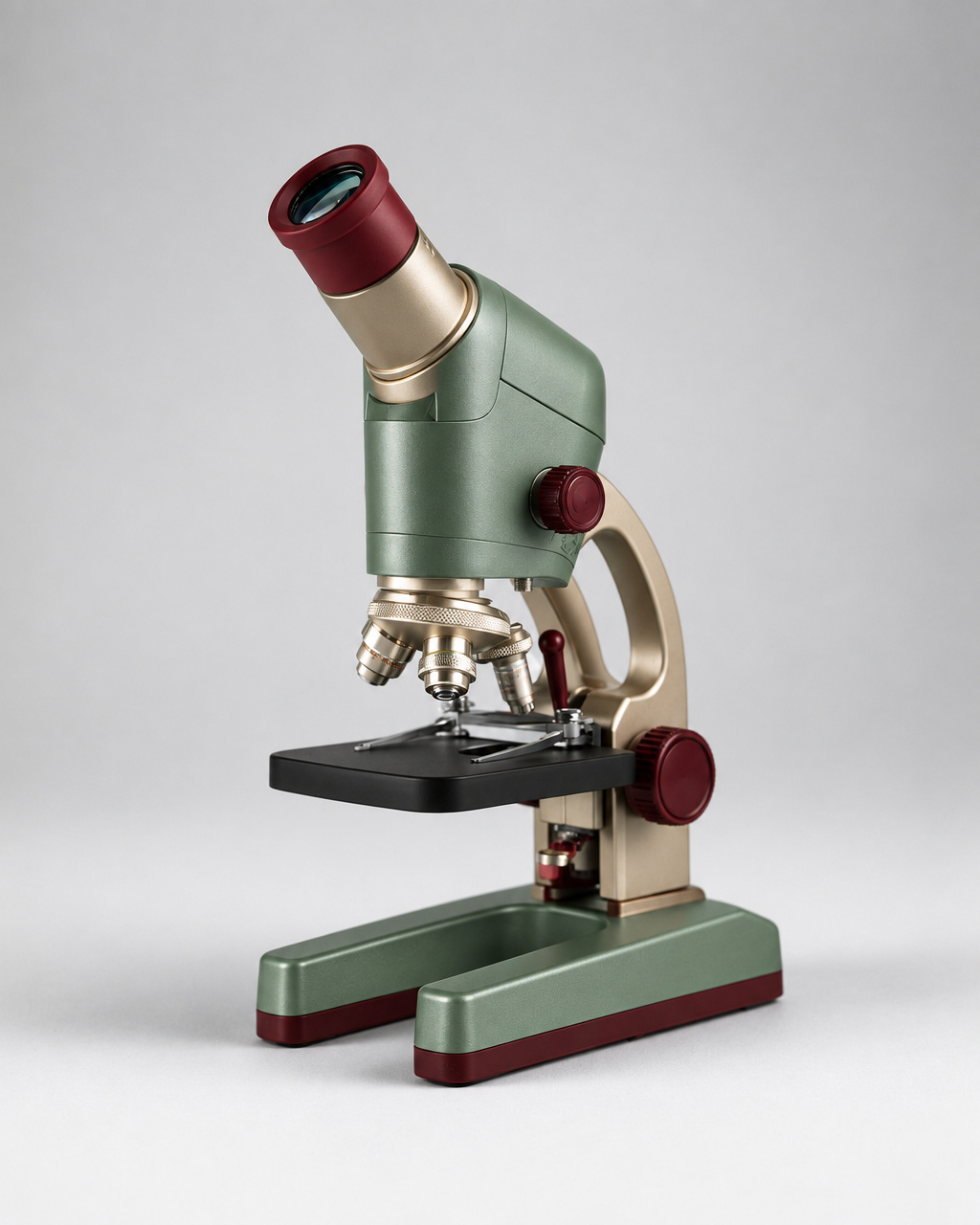
One of the biggest improvements is targeted editing.
GPT Images 2.5 is better at changing only the part you asked it to change while keeping the surrounding subject, composition and other details intact.
For example, you can change a product, background or piece of text without having to rebuild the entire image.
Better consistency across multiple edits
Repeated edits are also more reliable.
Earlier changes are more likely to remain consistent when you continue editing the same image. OpenAI says Images 2.5 is better at building on previous edits without image quality degrading over time.
That makes it easier to refine an image step by step instead of starting over after every change.
Better understanding of complex prompts
Images 2.5 is better at understanding complex visual instructions and turning them into coherent images.
OpenAI also says it handles more complex layouts, transparent backgrounds and requested visual styles more reliably.
This does not mean every instruction will always be followed perfectly, but complicated prompts should require fewer corrections than before.
Transparent backgrounds
GPT-Image-2.5 supports transparent image workflows.
For API generation, OpenAI recommends explicitly setting:
and exporting the result as PNG or WebP when a real alpha channel is required. Simply asking for a transparent background in the prompt is not the same as requesting transparent API output.
This is useful for logos, product cutouts, UI assets and other images that need to be placed over another background.
Use Sketch in ChatGPT
GPT Images 2.5 also introduces Sketch in ChatGPT.
Type @Sketch, draw a rough visual guide and describe what you want the final image to look like. ChatGPT can use the drawing as a reference for the generated image.
A sketch can be used to communicate things that are difficult to describe precisely with text, such as a room layout, outfit shape or general composition.
Prompting GPT Image 2.5
Clear prompts still matter.
When your image contains specific text, put the exact wording in quotation marks and describe where it should appear. OpenAI also recommends checking the generated result afterward for spelling and legibility.
For visual scenes, describe the important details directly:
- subject and composition
- camera angle or framing
- lighting
- materials and textures
- visual style
- elements that must stay unchanged during an edit
For edits, clearly state what should change and what should remain untouched.
Flare vs Sunburst
| Aspect | GPT-Image-2.5 Flare | GPT-Image-2.5 Sunburst |
|---|---|---|
| Main focus | Speed and everyday generation | Precision and detailed editing |
| Positioning | Default choice for most applications | OpenAI's most capable image model |
| Speed | 50% lower latency than GPT-Image-2 | Longer generation time than Flare |
| Image input | Yes | Yes |
| Image editing | Yes | Yes |
| Quality levels | Low to Max | Low to Max |
| Best suited for | Fast generation and high-volume workflows | Detailed creative and editing workflows |
OpenAI lists low, medium, high, xhigh, max and auto quality settings for both models.
GPT Image 2.5 in the API
Both Flare and Sunburst are available through the OpenAI API.
Flare is the default option for most applications where speed and image quality both matter. Sunburst is aimed at workflows where editing precision is more important.
OpenAI currently lists the same token rates for both models:
- Text input: $5 per 1 million tokens
- Image input: $8 per 1 million tokens
- Image output: $30 per 1 million tokens
The actual cost of an image still depends on token usage and generation settings.
Safety and image provenance
GPT Images 2.5 builds on OpenAI's existing image safety systems, including checks on prompts and images intended to reduce harmful outputs.
Images generated with supported OpenAI tools can also contain C2PA metadata and an invisible SynthID watermark. These are provenance signals that can help identify content as AI-generated. They are separate from the systems used to block unsafe generations.
Pricing on DaFreeAi
GPT-Image-2.5 Flare and Sunburst are available now on DaFreeAi.
On DaFreeAi, both currently start at 6 credits for low quality. Standard 1K generation costs 39 credits.
DaFreeAi offers 1K, 2K and 4K generation options for both models.